
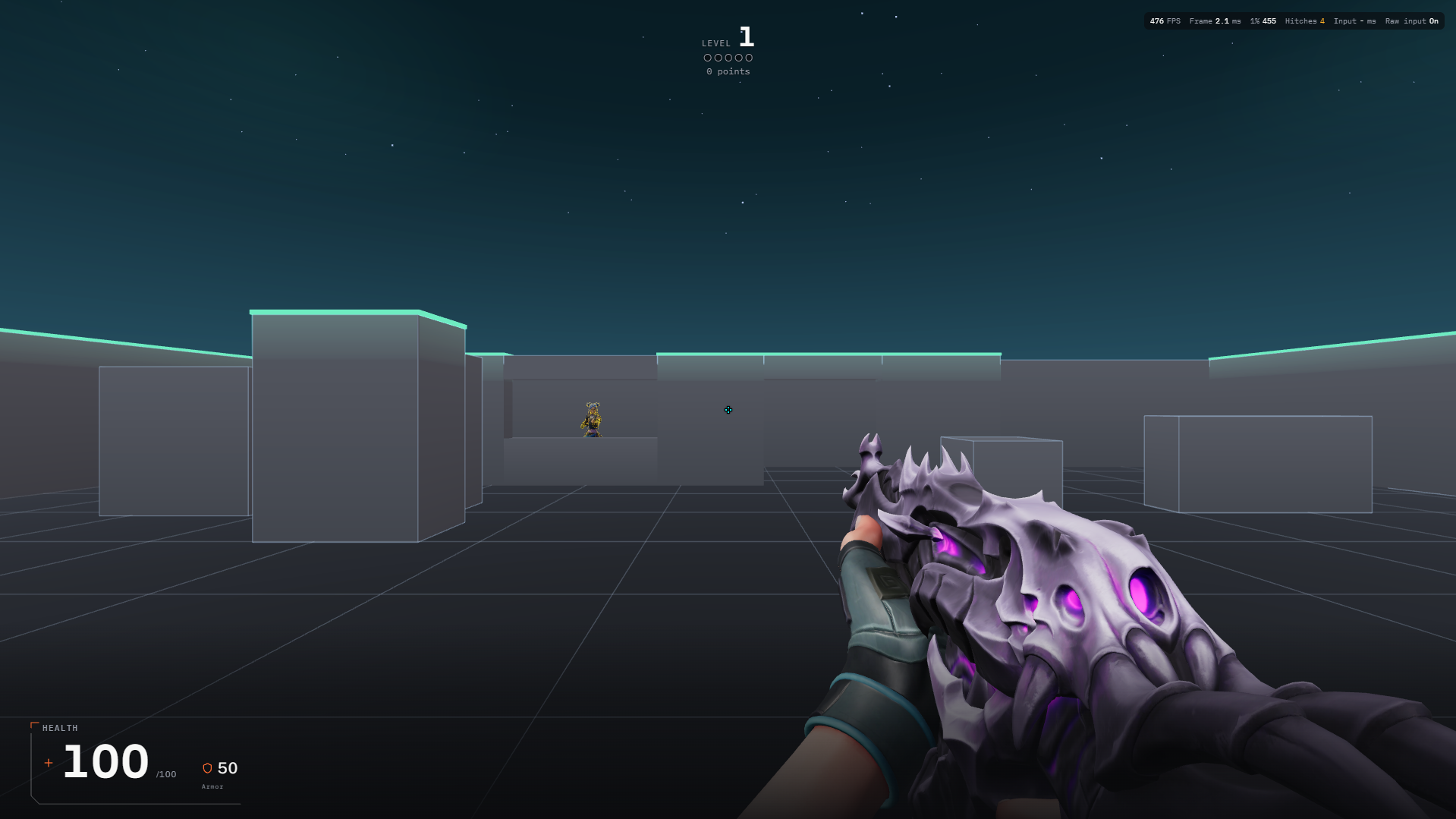
Before and during your session
- Check the DPI configured by your mouse software, then enter your Valorant sensitivity in Valofy’s setup or settings. Keep the same mouse and DPI while comparing attempts. A sensitivity number alone does not describe the physical distance you move the mouse.
- Use the crosshair settings to choose a shape you can distinguish from the practice background. Test it in the actual scene. A crosshair that looks clear in a preview may cover a small target or disappear against a bright surface.
- Follow the calibration prompts. Music training also has an audio-offset setting: judge it with the same headphones and output device you intend to use. Changing audio devices can change the timing you perceive.
A practice session to try
Repeat a short target session with unchanged settings. Notice whether you consistently stop before or beyond the target. Adjust one control only, repeat the session, and compare comfort and precision rather than choosing settings from a single high score.
Reading your results
For aim, review accuracy and the other metrics the selected mode exposes. For music, look at timing alongside hits: reaching the target and firing on the intended beat are separate parts of the task.
Common mistakes
- Repeatedly changing DPI, sensitivity and crosshair together prevents a useful comparison. Keep a record of the baseline you are testing.
- Do not compensate for an audio delay solely by changing mouse sensitivity. Check the audio device and offset when shots consistently feel early or late.
Start with AimYou can also play as a guest.