
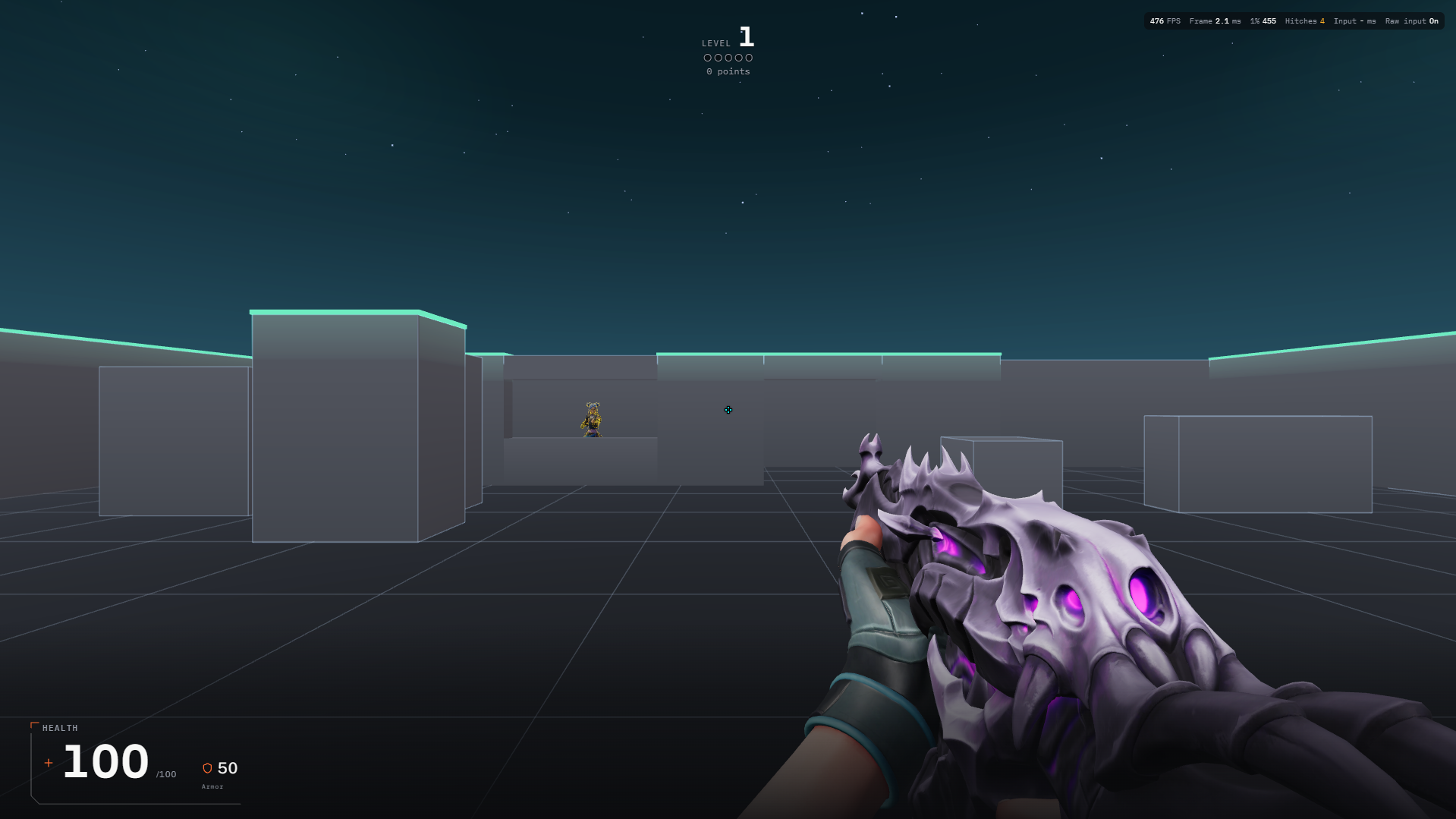
Before and during your session
- Open Aim and choose Arena. Read the description of the available exercise before starting: Skirmish, Free Practice and other available Arena exercises have different goals. Use the session settings shown by the selected exercise.
- Check the weapon, sensitivity and crosshair before the run. In exercises with movement, the default movement keys are W, A, S and D; inspect Settings for your saved bindings. Click to fire and use Escape to release the pointer or pause.
- Aim at a target deliberately before firing. When the exercise includes moving or returning-fire targets, concentrate first on tracking what is happening. Restart or end the session through the available controls when you want to review it.
A practice session to try
Repeat one exercise with the same weapon and settings. First focus on placing the crosshair accurately. In the next attempt, preserve that accuracy while reducing unnecessary movement. Treat these as practice goals, not as a special scoring rule.
Reading your results
Review the result screen for that exercise: the available score, accuracy, kills or survival information depend on the mode. Compare the same exercise and starting settings. Use the result to choose one thing to work on next.
Common mistakes
- A score from one Arena exercise is not directly comparable with a score from another. Match the exercise, weapon and relevant settings.
- Firing faster without looking at missed shots can hide a loss of control. Review accuracy as well as the headline score.
Start with AimYou can also play as a guest.