
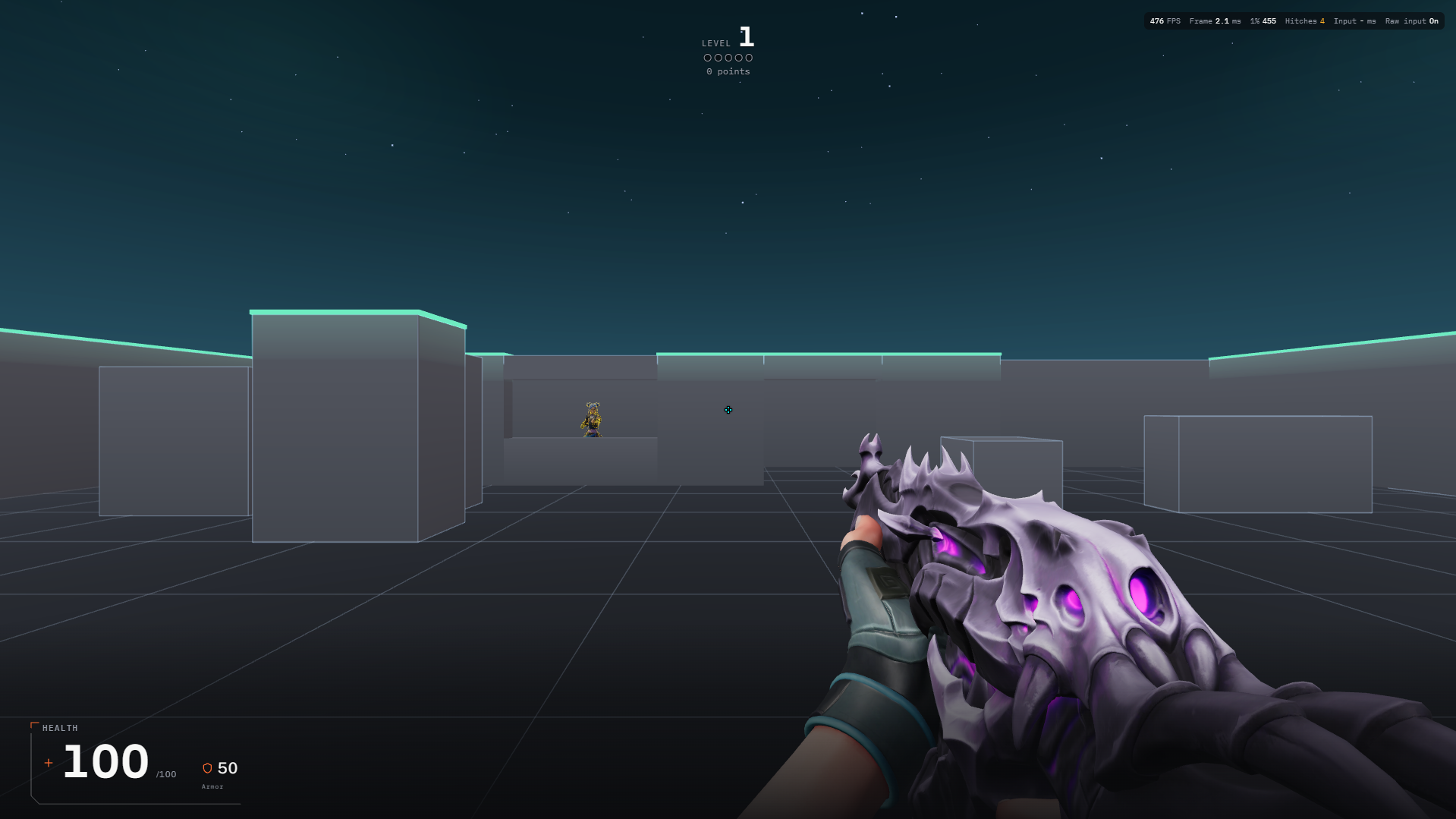
Before and during your session
- Open Valofy on a desktop or laptop with a mouse and keyboard. Choose Aim for target and timing practice, or Movement for Bhop and Surf. Keep the chosen mode in mind when you enter: its controls and results differ.
- Use X9 ID, Discord or Continue as Guest on the sign-in screen. The guest flow asks for a display name. Follow the setup prompts and check your mouse sensitivity before starting; an existing identity may already have saved settings.
- Choose a short session and read its ready screen. Click the play area when asked to capture the pointer. Escape releases the pointer and lets you pause. Check your actual bindings in Settings rather than assuming every mode uses the same keys.
A practice session to try
Try a short Arena practice, then open its result screen. Next time, repeat the same setup and concentrate on one skill, such as placing the crosshair before firing. Movement players can first explore the Bhop tutorial instead of chasing a record.
Reading your results
Read the metrics shown for that mode and compare like with like. A different map, difficulty or music track changes the task. Local results can help you review practice even when a run is not eligible for an online board.
Common mistakes
- Changing several settings between attempts makes it hard to understand what helped. Keep a baseline and change one setting at a time.
- A guest session is not the same as a full account. Check the application’s account and saving information before clearing browser data or switching devices.
Start with AimYou can also play as a guest.