
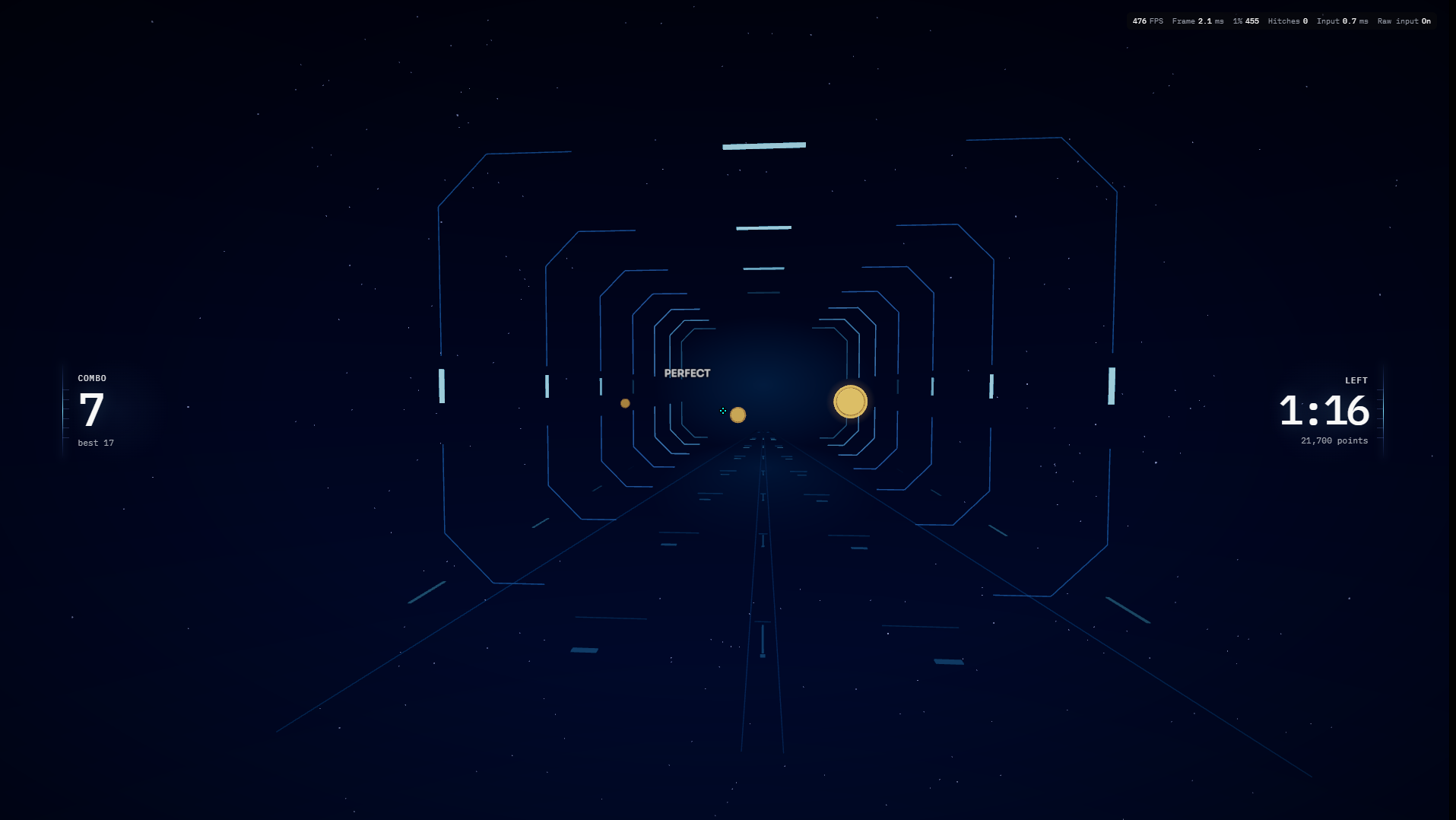
Before and during your session
- In Aim, choose a music exercise and a track. The official catalogue and your local music library are different sources. When using a local file, choose a supported MP3, WAV or OGG file and wait for analysis to finish before starting.
- Read the selected mode’s description. Rhythm, Flow and Range offer different training patterns; their setup determines the task. Choose a manageable difficulty and check your sensitivity, crosshair and audio offset.
- Capture the pointer when prompted, follow the targets and listen to the track. Try to coordinate movement with the intended timing rather than responding only to the sound after it happens. Pause with Escape when you need to change your setup.
A practice session to try
Repeat the same track, mode and difficulty. In the first attempt, learn the target pattern. In the second, focus on reducing consistently early or late shots. Keep the output device unchanged so the timing comparison remains useful.
Reading your results
Review accuracy, rhythm accuracy and the timing information available in the result. A hit does not necessarily mean the timing was precise. Challenge comparisons also need matching audio and compatible map generation; a challenge code does not contain the music file.
Common mistakes
- Changing track or difficulty changes the pattern, so a higher raw score alone does not show improvement.
- Bluetooth or a different output device may alter perceived timing. Recheck audio offset rather than treating every timing error as an aiming error.
Start with AimYou can also play as a guest.